Identity hygiene
Find the accounts nobody uses before someone else does.
Lavawall® lists accounts that have been inactive for 30, 90 or 365 days, or that never signed in, across Microsoft 365, Active Directory and Google Workspace, and alerts when a dormant account becomes active again. Approvers can then decide what to keep.
Last updated
Start my free trial, no credit cardAccess reviews
Inactive 30, 90, 365 days · never signed in · old passwords · dormant reactivation alerts
See it in the Lavawall® console
Real screens, shown with example data.
Why unused accounts are a risk
An account nobody uses is an account nobody notices. It can keep access that was only meant for a project, a contractor or a former employee, and a stolen password for it can be tried quietly for months. Removing accounts that are not needed is one of the cheapest ways to shrink what an attacker, or an automated tool, can try.
What Lavawall does
Finds inactive and never-used accounts
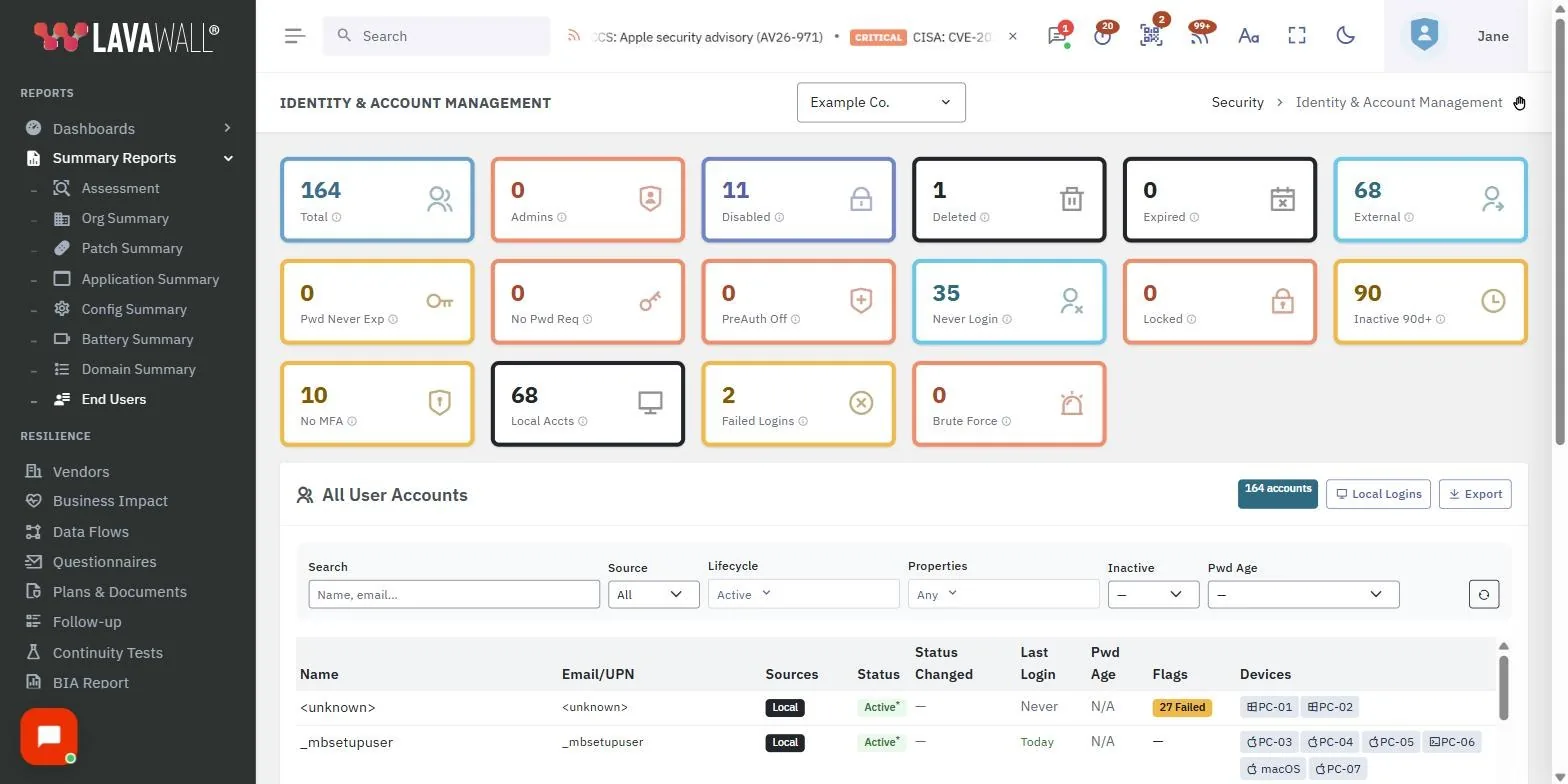
Summary cards and filters count accounts inactive for 30, 90 or 365 days, accounts that never signed in, and stale local accounts on computers. Password age filters help you find old passwords too. See the AD and Microsoft 365 user reporting page.
Watches Google Workspace as well
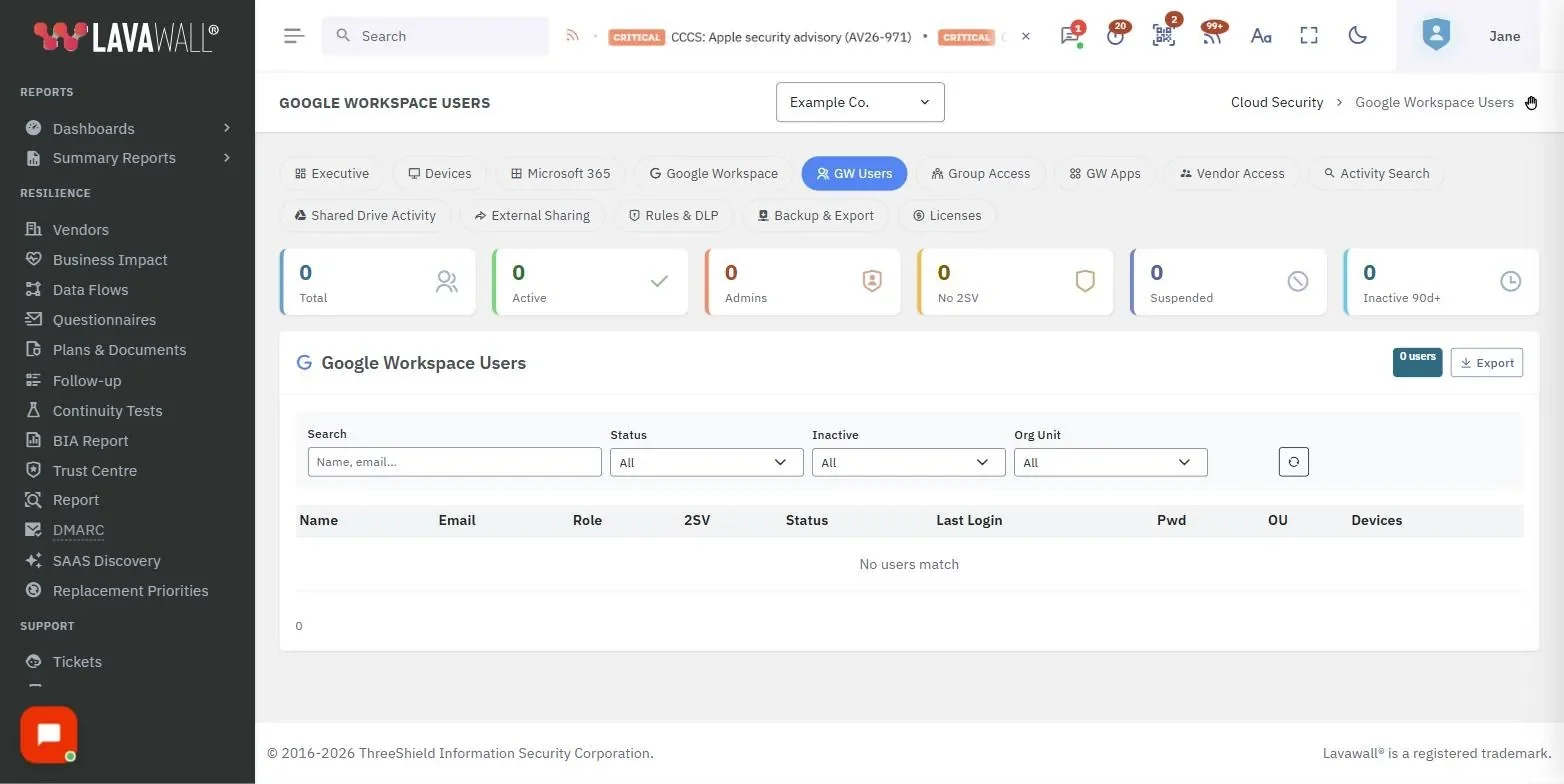
The Google Workspace Users page shows suspended and inactive accounts and how long since each person last signed in. Google Workspace breach detection covers the rest of the tenant.
Alerts when a dormant account wakes up
Lavawall watches for dormant account reactivation and activity on disabled accounts, a pattern worth a quick look in Microsoft 365 breach detection.
Sends the decision to an approver
In access reviews, dormant accounts and access that outlived a role change are surfaced for the person who knows whether they belong, with a timestamped keep, remove or escalate decision.
- Inactive 30, 90 and 365 days
- Never-signed-in accounts
- Stale local accounts
- Password age filter
- Dormant reactivation alerts
- Approver decisions kept as evidence
Plans
The Google Workspace Users page is included with every Lavawall account. The Microsoft 365 account list and dormant-account alerts are part of M365 / Google Workspace Monitoring, included in Grow, Professional and Complete. Access reviews are enabled per company. See pricing.
Frequently asked questions
How do I find inactive user accounts in Microsoft 365?
Open the Lavawall account list and click the Inactive 90d+ card, or choose 30+, 90+ or 365+ days in the Inactive filter. Choose Never to see accounts that have never signed in.
How do I find unused Google Workspace accounts?
Open the Google Workspace Users page in Lavawall, click the Inactive 90d+ tile or pick a period in the Inactive filter. Choose Never to list accounts that have never signed in.
Does Lavawall alert when a dormant account becomes active again?
Yes. Lavawall watches for dormant account reactivation and for activity on disabled accounts in both Microsoft 365 and Google Workspace, because a quiet account suddenly in use is a common sign of a takeover.
Can access reviews include dormant accounts?
Yes. Lavawall access reviews surface dormant accounts and access that outlived a role change, route each one to an approver, and keep the keep, remove or escalate decision with a timestamped audit trail.
Does Lavawall delete or disable unused accounts for me?
Lavawall finds and reports unused accounts so a person can review them. Disabling or removing an account stays a decision for you and your approvers.
Which Lavawall plans include unused account monitoring?
The Google Workspace Users page is included with every Lavawall account. The Microsoft 365 account list and dormant-account alerts are part of M365 / Google Workspace Monitoring, included in Grow, Professional and Complete. Access reviews are enabled per company.