User management
Multi-tenant user management, built for MSPs
Lavawall® was built by MSPs for MSPs, so managing people across many client tenants is native, not bolted on. Add users to any tenant or to your own MSP company, review each account's security at a glance, and lead with SSO, passkeys, and MFA instead of passwords.
Start free, no credit card See authentication
Multi-tenant · SSO · passkeys · MFA by default · per-tenant access
See it in the Lavawall® console
Real screens, shown with example data.
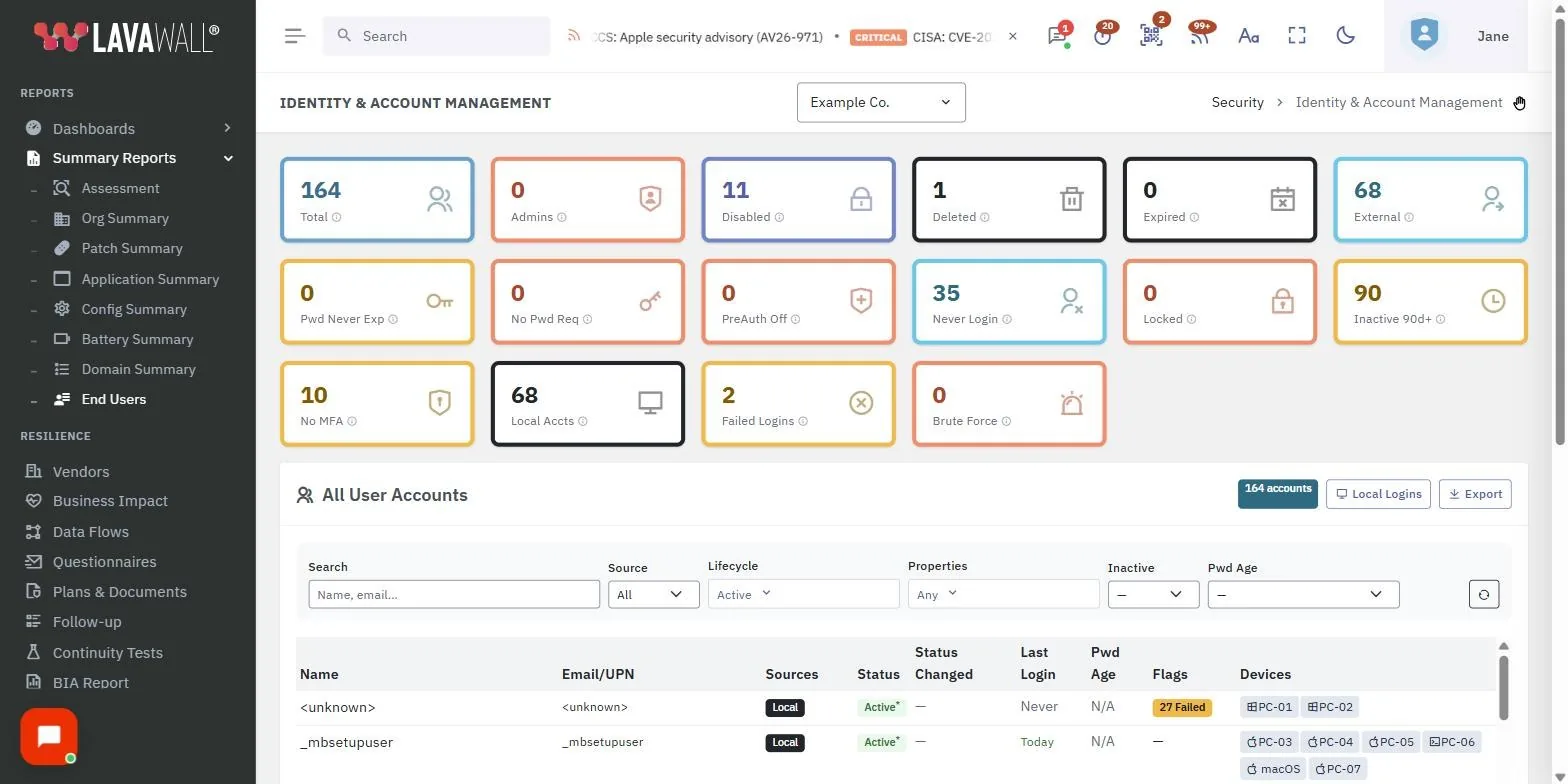
Multi-tenant for simple or complex MSP teams
Because Lavawall® was built by MSPs for MSPs, user management assumes you work across many client organizations at once. Users with Super Admin permissions get a Users section in the left navigation under Me, which lists every user together with their key security details. Whether your team is a handful of technicians or a layered organization with co-managed clients, everyone is administered from the same place.
Authentication methods
Lavawall® follows Minimum Viable Secure Product principles, so it encourages Single Sign-On (SSO) to log in, alongside passkeys and MFA by default. Passwords are optional and discouraged. To keep weak choices visible, any less secure authentication option is shown in red in the user review interface, so you can spot and fix a soft spot before it becomes an incident.
Add users
Administrators click Add User to add personnel to a tenant company or to the main MSP company. From there you decide what a user can do, whether that is viewing a client's data, accessing reports, or co-managing your tenant without the ability to change users. Scoping access to a single client keeps least-privilege practical across a large book of business.
Frequently asked
- Is Lavawall® user management multi-tenant?
- Yes. Lavawall® was built by MSPs for MSPs, so user management is multi-tenant. Super Admins see every user across the main MSP company and all tenant companies from one Users section, each with their key security details.
- What authentication methods are supported?
- Lavawall® follows Minimum Viable Secure Product principles and encourages Single Sign-On, passkeys, and MFA by default. Passwords are optional and discouraged, and any less secure authentication choice is highlighted in red during user review.
- Can I add a user to just one client company?
- Yes. When you add a user you assign them to a tenant company or to the main MSP company, so you can grant access to a single client's data, reports, or co-management scope rather than the whole estate.
- Who can manage users?
- Users with Super Admin permissions have access to the Users section, found in the left navigation under Me, where they add users and review each account's security posture.