A user reports a phishing email. The same message, or a close variant, is already sitting unread in twenty other inboxes, and if you are an MSP, in the inboxes of several other clients too. The real job is removing the whole wave, everywhere it reached, before anyone clicks. Doing that by hand, mailbox by mailbox and tenant by tenant, is exactly the work that does not happen fast enough.
How the removal works
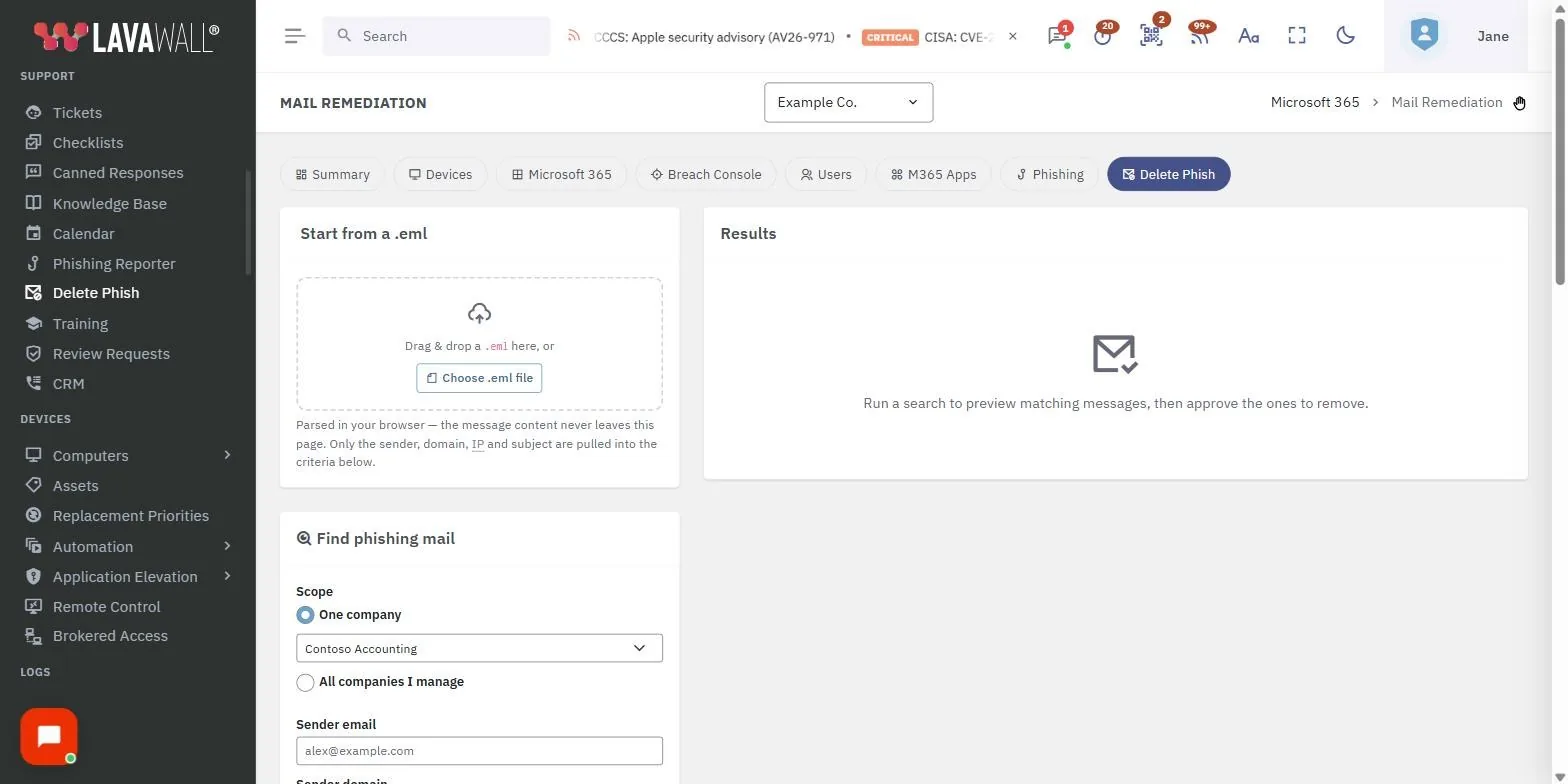
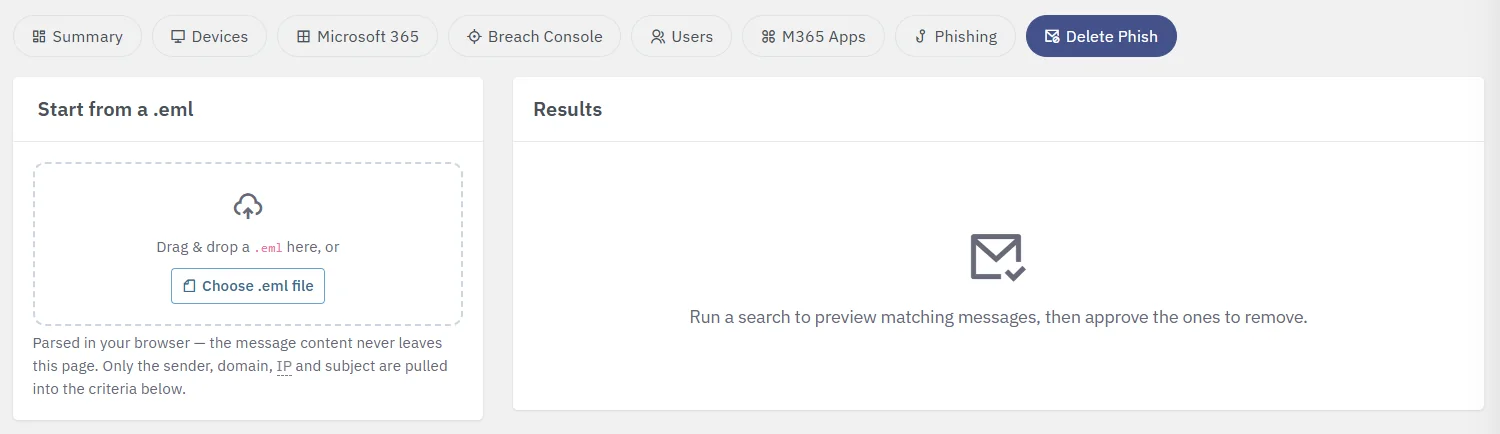
This is wired into the phishing Reporter, so a reported message is one click from removal, but a technician does not need a report to act. They can drag and drop or upload the email as a .eml file, or enter its traits by hand. Lavawall then finds the messages that share those traits and removes them from the mailboxes you select.
| Step | What happens |
|---|---|
| Give it a sample or the traits | Drag and drop or upload the email as a .eml file, or type the sender, sending domain, subject, or sending IP address you want to match on. |
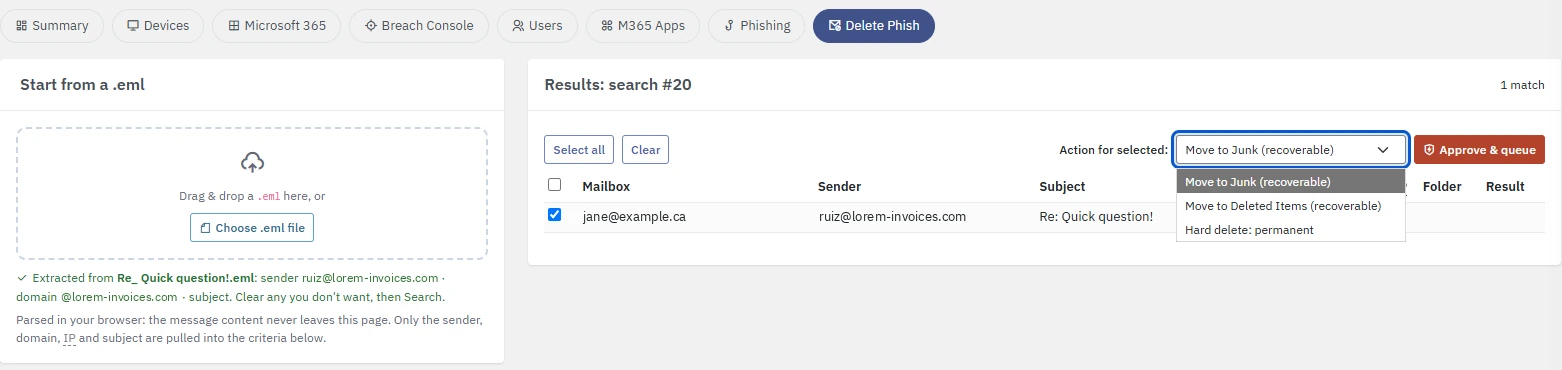
| Match the wave | Lavawall identifies the messages that share those traits, not just the exact copy a single user reported. |
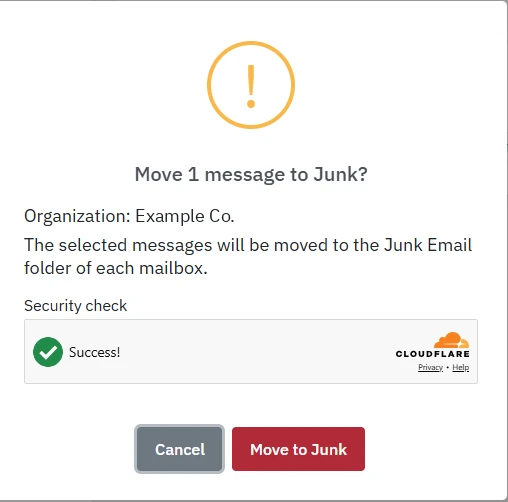
| Choose where they go | Move the matched messages to Junk, to Deleted Items, or hard delete them, depending on how firmly you need them gone. A person approves each removal in a confirmation that names the organization and needs a security check. |
| Keep the record | You have a record of what was matched and which mailboxes it was pulled from, which is the evidence an incident review needs. |
Across every tenant you support
For an MSP this is the part that matters. A phishing campaign rarely hits one client in isolation, and the same lure often arrives at several at once. Lavawall lets a technician apply the same removal across every company you manage, from one console, instead of logging into each tenant and repeating the work. One action, every affected mailbox, every affected client.
If you run a single organization rather than a fleet, the same tool serves your own helpdesk: one technician clears a phishing wave from your whole staff without touching each mailbox.
Why this beats waiting on the built-in tools
Microsoft's Zero-hour Auto Purge is useful, but it acts inside a single tenant, on what Microsoft's own filters decide is malicious, after the fact. It cannot act on a sample your analyst is holding, it does not reach across the tenants an MSP manages, and it does not let you choose the removal method. Consumer and helpdesk tools do none of this. The gap between "a user reported it" and "it is gone from everywhere" is where accounts get compromised, and closing that gap by hand does not scale past the first tenant.
Frequently asked questions
- Can I remove a phishing email from every mailbox at once?
- Yes. From a reported or supplied sample, Lavawall finds the messages that share its traits and removes them from every affected mailbox in the tenant, and across every tenant you support if you are an MSP. You choose whether they go to Junk, to Deleted Items, or are hard deleted.
- How is this different from Microsoft's Zero-hour Auto Purge?
- Microsoft ZAP acts inside a single tenant on what its own filters decide is malicious. Lavawall lets a technician act on a sample you provide, match on the traits you choose, reach every tenant you manage from one console, and pick the removal method, with a record of what was pulled and from where.
- Do I need the reported email, or can I describe it?
- Either. A technician can drag and drop or upload the email as a .eml file, or enter the sender, sending domain, subject, or sending IP address by hand, then apply that across the mailboxes and tenants you select.