Risk-based notifications
Notifications that respect your attention.
Lavawall® sorts every event into five risk bands and routes it automatically, so critical issues reach you immediately and everything else arrives in a digest on your schedule. Per-recipient rules, per-severity rate limits, and timezone-aware delivery mean the alerts that page a human are the ones that actually need one.
Start free, no credit card See the severity bands
Five risk bands · per-recipient digests · DST-correct · inactive-user alerts
See it in the Lavawall® console
Real screens, shown with example data.
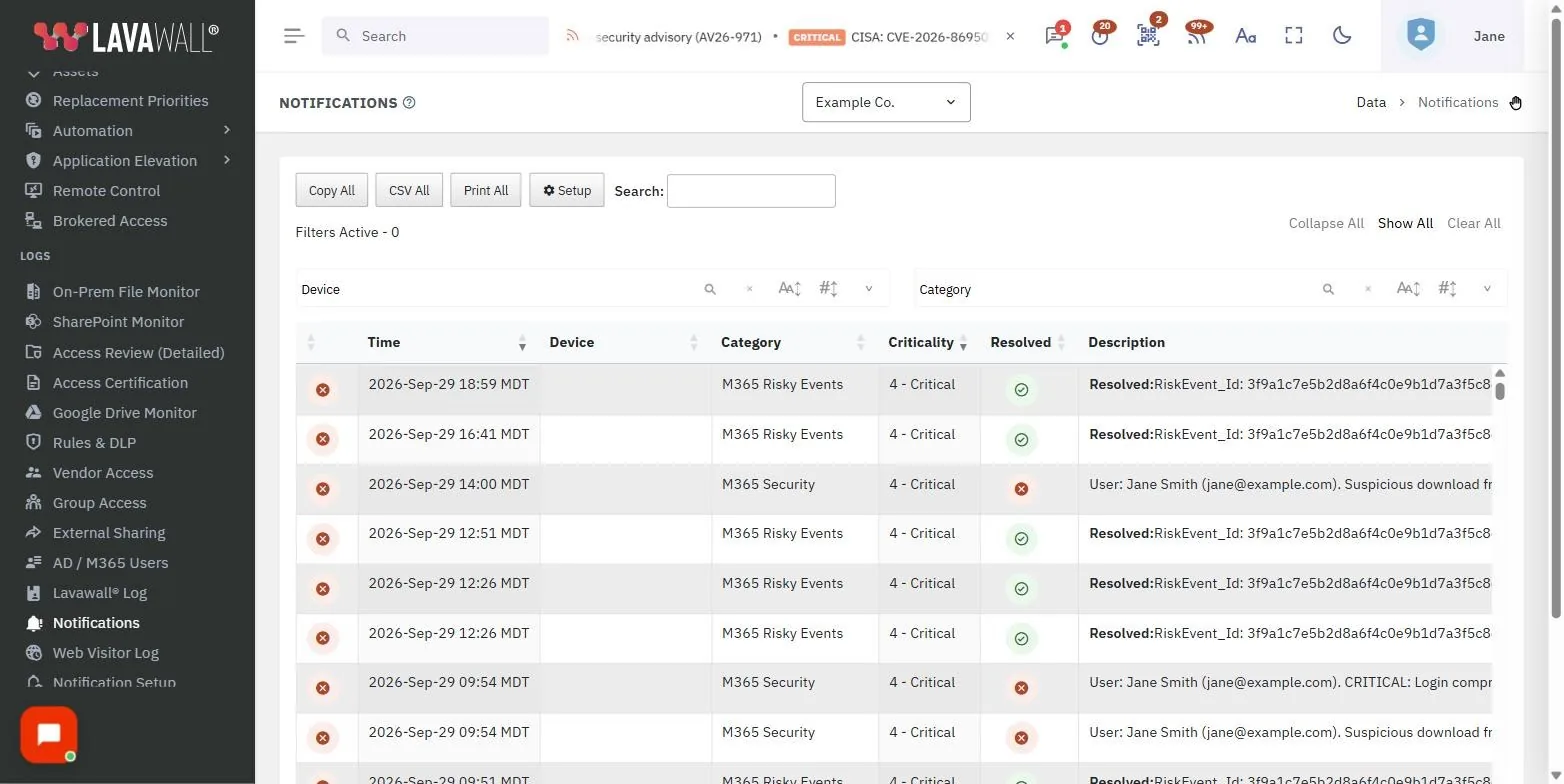
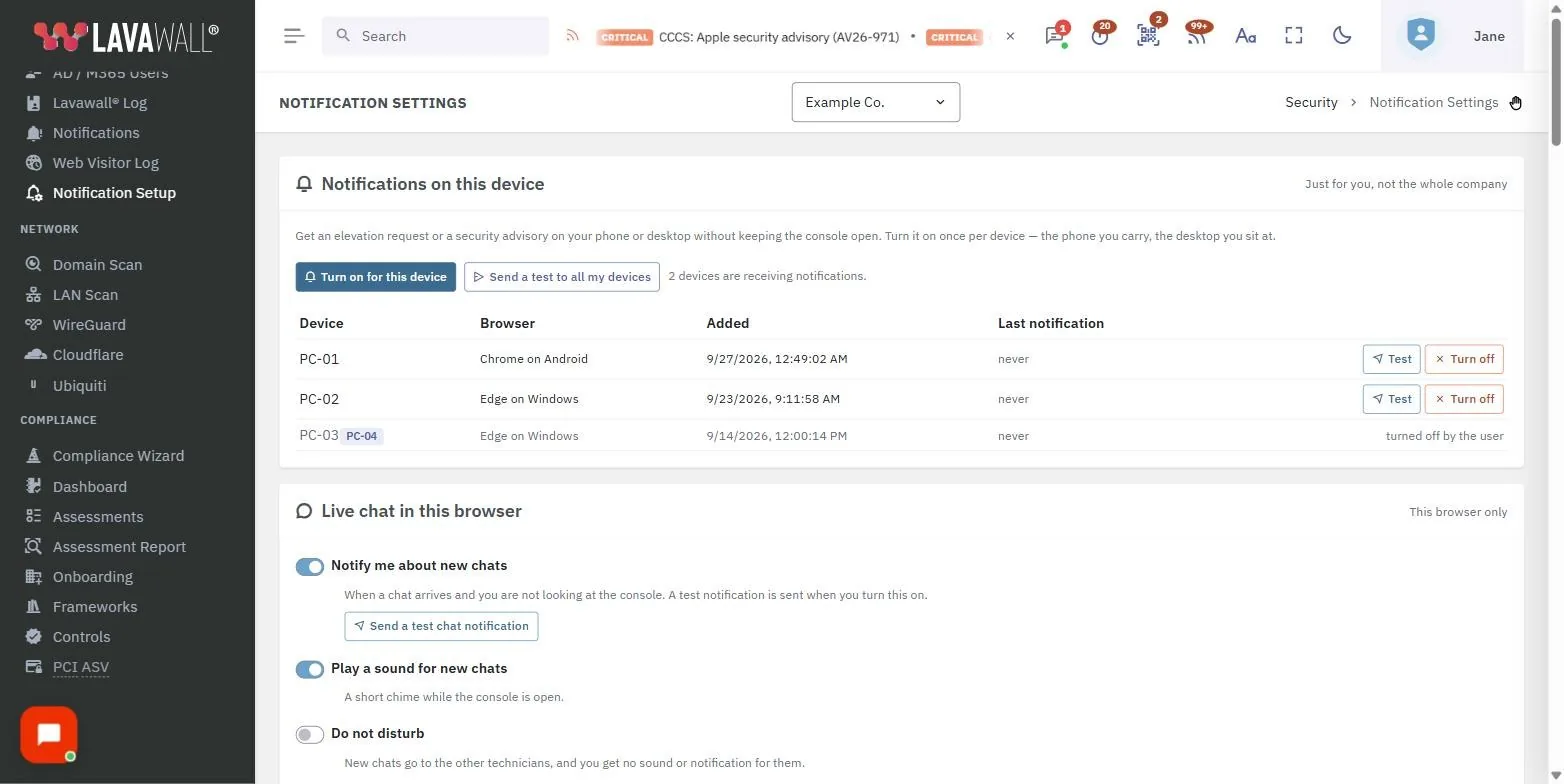
Quiet by default, tunable when you need it
Alert fatigue is what happens when every event pages everyone. People stop reading the notifications, and the one that mattered gets missed in the noise. Lavawall® starts from the opposite assumption: route by risk, and only interrupt a person for the events that warrant it.
On day one you get sensible defaults:
- Five risk bands routed automatically.
- A sensible default digest schedule (9 AM, noon, and 4 PM local time).
- All client companies covered under one MSP subscription.
- Inactive-user alerts for Active Directory, Microsoft 365, and Google Workspace.
And each recipient can tune the details:
- Per-severity rate limits and toggles.
- Two daily digest slots with day-of-week selection.
- Recipient timezone, corrected for daylight saving.
- Specific notification types, or all types.
Five severity bands, routed automatically
Each band has a default delivery method, and digests follow a this band and above rule, so a lower-band digest still includes anything more serious that happened in the window.
| Band | What it means | Default delivery |
|---|---|---|
| Critical | An urgent security or reliability event that needs attention now. | Immediate |
| Server outage | A monitored server is down or unreachable. | Immediate |
| High | A serious issue worth reviewing the same day. | Digest (High and above) |
| Moderate | Something to look at, but not urgent. | Digest |
| Low | Routine, informational activity. | Digest |
How Lavawall handles the hard parts
Digest schedules that match your shifts
Two digest slots per severity, each with its own time and day-of-week selection, so delivery lines up with when your team is actually working.
Per-recipient routing
Every subscriber has independent settings. Two people watching the same environment can receive completely different notifications on completely different schedules.
Timezone-aware and DST-correct
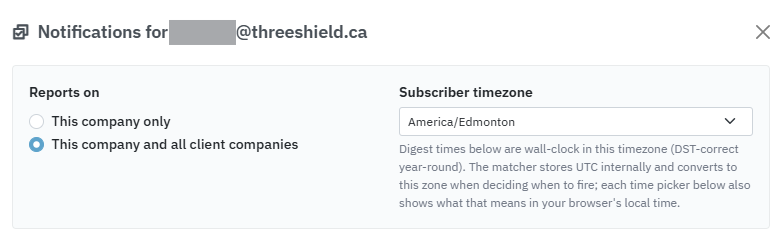
Digests arrive in each recipient's local time and handle daylight-saving transitions, so a 9 AM digest stays 9 AM year round.
Catch dormant accounts before someone else does
Stale but still-enabled accounts are a favourite attacker foothold. Lavawall® watches for them across three directories and alerts you when they go quiet, using a default ninety-day threshold with configurable re-notify intervals.
- Active Directory. Enabled, unlocked accounts with stale logon data.
- Microsoft 365. Licensed accounts with no recent service sign-ins.
- Google Workspace. Active users past the sign-in threshold, with optional flagging of accounts missing two-factor authentication.
Built for managed service providers
Notifications can be scoped two ways: this company only, or this company and all client companies. That lets an MSP run a single service desk subscription that spans every tenant, while a client contact watches only their own environment.
For example, your service desk can take the immediate Critical and server-outage alerts across all clients, batched into shift-aligned digests for everything else, while a client's internal contact receives only High-and-above events for their own company, delivered once a morning in their local time.
When Lavawall notifications are the right fit
- Small in-house IT teams that cannot afford to have real alerts buried under routine noise.
- Managed service providers that need one notification system across many tenants with per-recipient control.
- Security-focused organizations that want dormant-account and severity-based alerting without building it themselves.
How it works under the hood
The notification engine evaluates each event against every subscriber. A message is delivered only when the event matches the recipient's chosen types, meets or exceeds their severity threshold, fits within their rate limits, and falls inside an active digest window. If any condition fails, the event is held or dropped for that recipient, which is how the same event can page one person immediately and simply appear in another person's next digest.
Frequently asked questions
- How does Lavawall reduce notification fatigue?
- By routing on risk. Every event is sorted into one of five risk bands and routed automatically. Critical items reach you right away, while lower-severity events are collected into digests on a schedule you choose. Per-severity rate limits and toggles stop the routine noise.
- Can different people receive different notifications?
- Yes. Routing is per-recipient. Each subscriber has independent settings for severities, notification types, two daily digest slots, days of the week, and their own timezone.
- Do digest schedules respect weekends and timezones?
- Yes. Digests are timezone-aware and daylight-saving correct, delivered in each recipient's local time, and you choose which days of the week each digest slot runs.
- Does a High digest include Critical and server-outage events?
- Yes. Digests follow a this band and above rule, so the High digest also includes Critical and server-outage events from the window.
- What about inactive user accounts?
- Lavawall watches for dormant accounts across Active Directory, Microsoft 365, and Google Workspace, using a default ninety-day threshold with configurable re-notify intervals.
- Does Lavawall send empty digests?
- No. If nothing happened in a digest window, no message is sent. A digest only arrives when there is something in it.