Microsoft 365 · Entra · Azure
Catch the account takeover before it sends the invoice.
Lavawall® watches M365, Entra ID, and Azure (and Google Workspace) for risky sign-ins, OAuth grants, MFA changes, malicious rules, abnormal file and email access, and every configuration change, then correlates them into alerts you can act on. Most breaches start in Microsoft 365: a phished session, a consented OAuth app, a quiet inbox rule.
Start my free trial, no credit card See what it watches
Risky sign-ins · OAuth abuse · inbox rules · abnormal access · config change audit
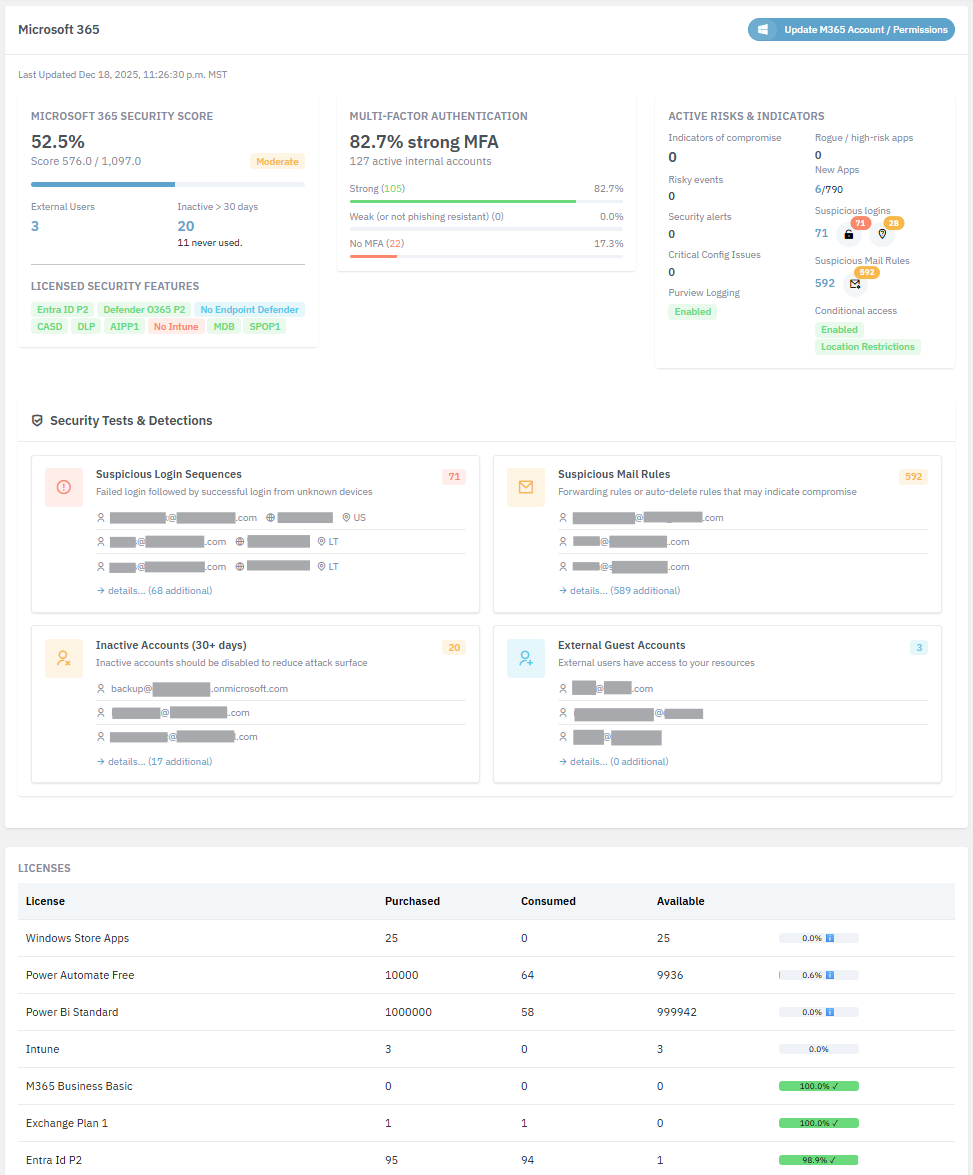
See it in the Lavawall® console
Real screens, shown with example data.
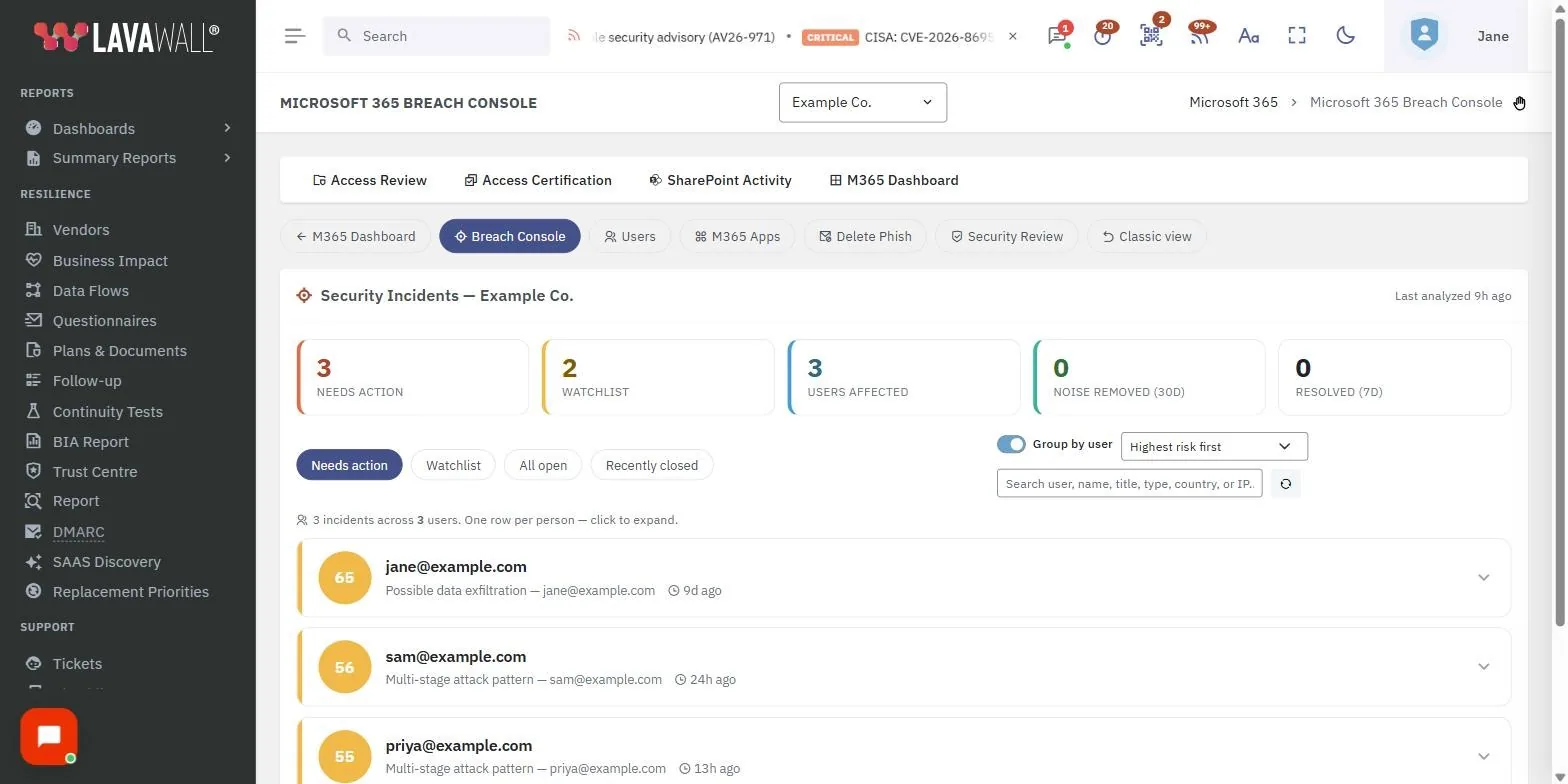
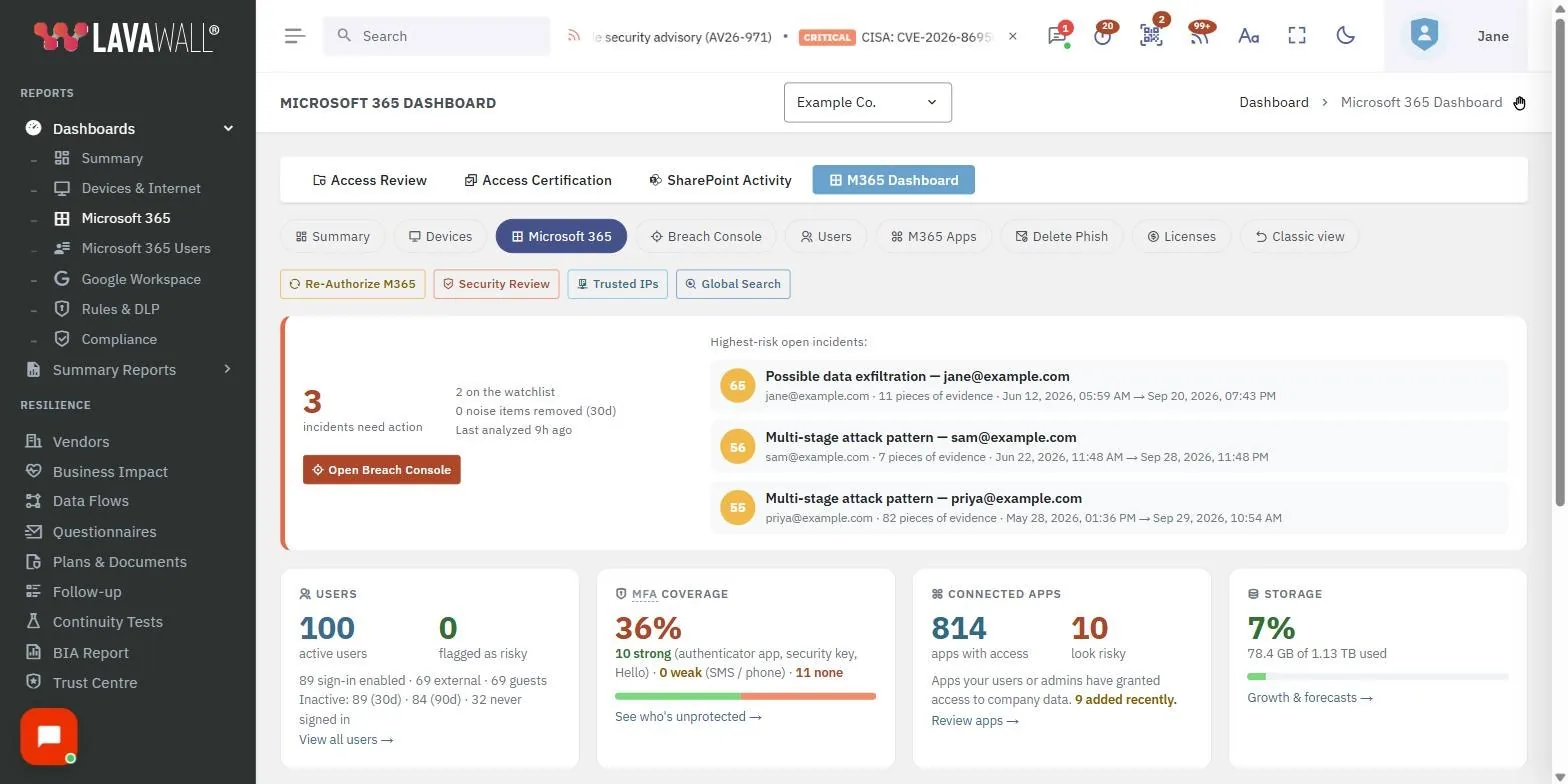
The persistence tricks attackers use, watched
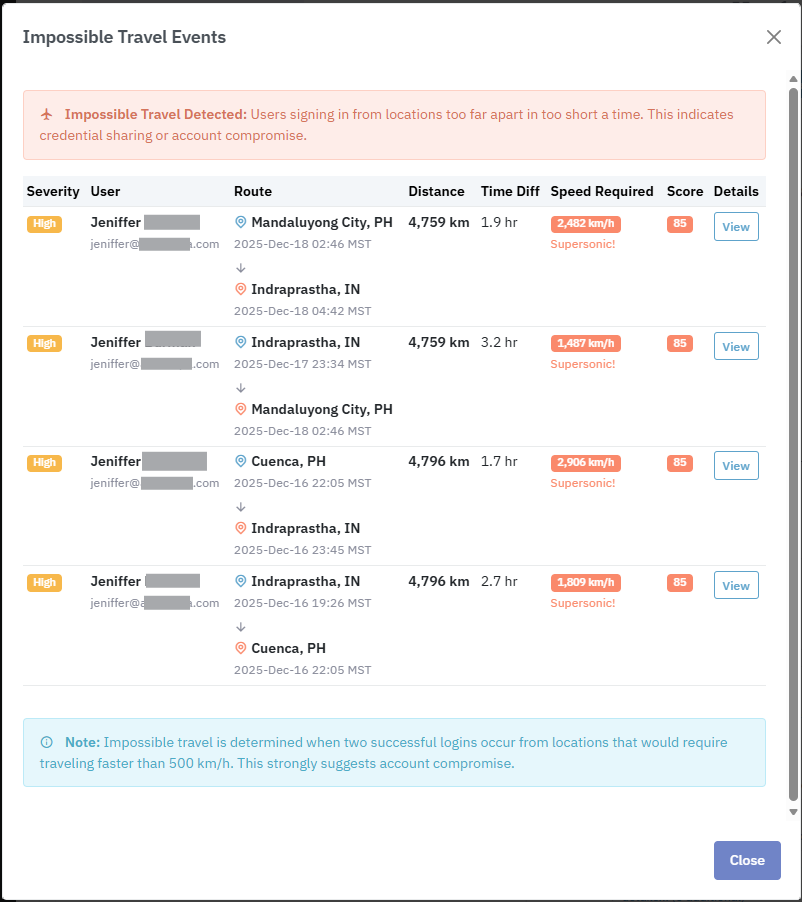
Risky & impossible-travel sign-ins
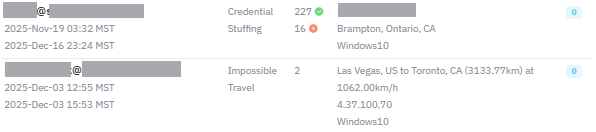
Lavawall flags sign-ins from unexpected geographies, impossible travel, and known-bad IPs: the first sign a session was phished. IP enrichment lets you tell a VPN from an attacker.
OAuth grants and MFA changes
A malicious OAuth app or a newly-registered authenticator survives a password reset. Lavawall alerts on new app consents and MFA method changes, so that foothold does not slip past.
Malicious inbox rules
Rules that hide replies about invoices or payments are the heart of business email compromise. Lavawall detects rule and forwarding creation the moment it happens.
Malicious behaviour & abnormal access patterns
Lavawall learns what normal looks like and flags malicious user behaviour patterns, along with unusual file and email access volumes and patterns, so a quiet account harvesting data stands out before it becomes an incident.
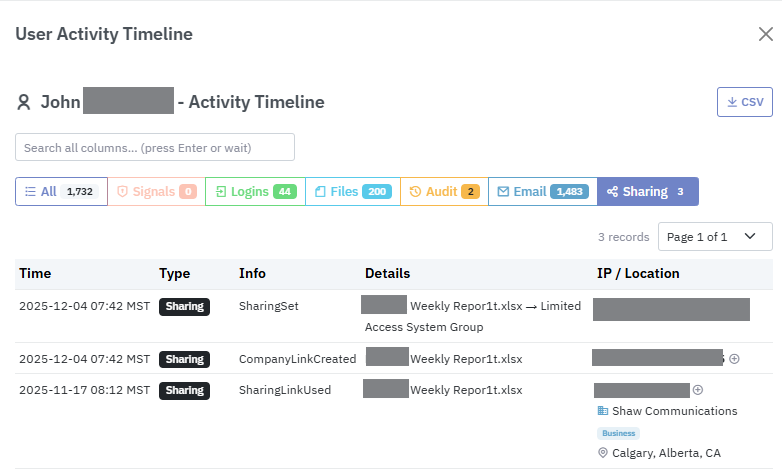
Review changes to SharePoint, Teams, and OneDrive files
See who changed, accessed, or shared what across SharePoint, Teams, and OneDrive. File activity is easy to review, so you can answer “who touched this?” in seconds instead of digging through raw logs.
Configuration change audit, with rollback
Every policy edit, role assignment, app registration, and conditional-access change is logged with who/what/when. Pair it with M365 config backup to back a bad change out.
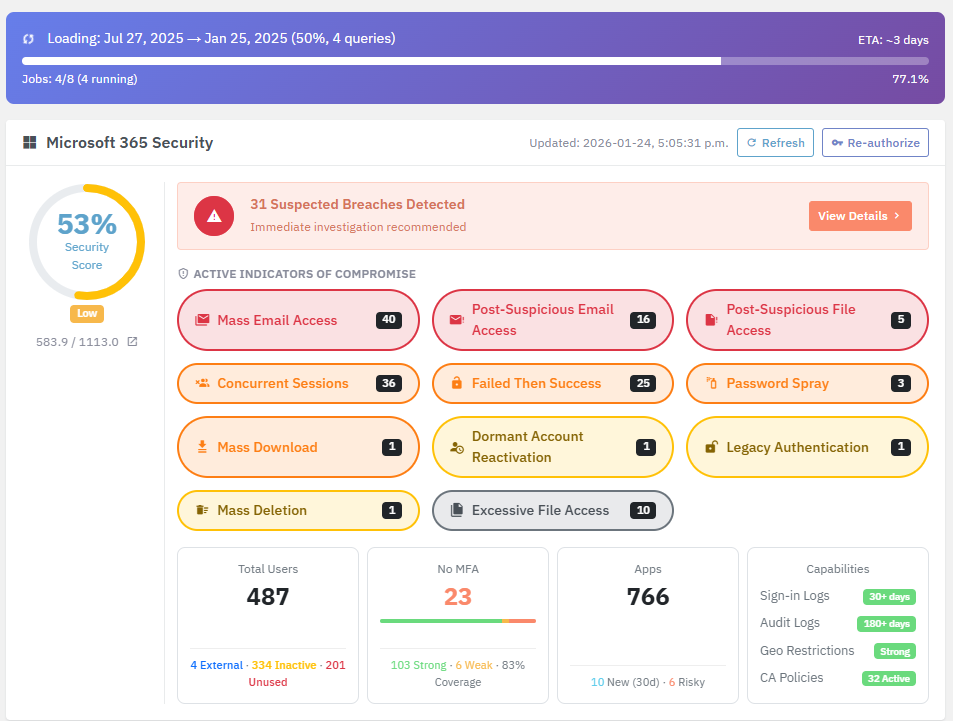
The named attacks we catch
A phished session rarely announces itself. The attacker signs in, consents an OAuth app so they outlive your next password reset, drops an inbox rule to hide the replies about that invoice, and starts reading. Lavawall® is built to catch each move on that chain, not just the first login.
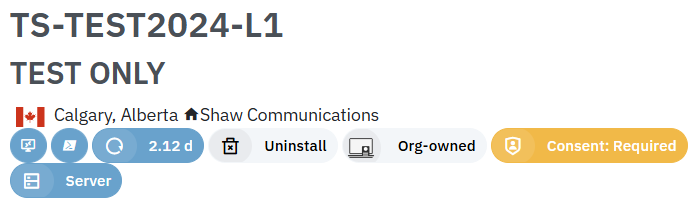
That is ITDR the way it should work: Entra sign-in signals correlated with mailbox and configuration activity. Computers running the Lavawall agent for Windows, macOS, or Linux are automatically excluded from login sequences that pair a failed login with an unknown successful location, so a legitimate reconnect does not page you at 2am while a real takeover still stands out.
- Impossible-travel sign-ins, with real distance and speed analysis
- Credential stuffing, brute force, and password-spray attempts
- MFA bombing and MFA fatigue
- Session hijacking and lateral movement
- Illicit OAuth consent grants and newly-installed risky Entra / Azure apps
- Malicious inbox rules and mail forwarding
- Mailbox permission changes
- Failed MFA and MFA abuse
- Privilege escalation and self-privilege escalation
- Secret-write events on application registrations
- Admin abuse: consent granted on behalf of users, audit-logging changes
- Dormant account reactivation and activity on disabled accounts
- Unusual file download, deletion, and sharing
- Unusual mail access and after-hours activity
MFA abuse, MFA bombing, and MFA fatigue are watched as distinct signals, not lumped into one alert.
Start free Free plan · no credit card · month-to-month
Works with the rest of the platform
Phishing Reporter
Most takeovers start with a phish. One-click reporting gives instant verdicts.
Reduce phish tickets →Unified MDR alerts
M365 signals join one feed with your endpoint MDR across every tenant.
Learn more →Think an account is already compromised?
ThreeShield, the CISSP/CISA team behind Lavawall®, runs Microsoft 365 incident response and post-incident hardening. One call, no retainer for the first incident.
Common questions
- What exactly does Lavawall watch in Microsoft 365?
- Risky and impossible-travel sign-ins, newly consented OAuth apps, MFA method changes, inbox-rule creation, license and mailbox health, malicious user behaviour and abnormal file and email access, and tenant configuration changes (policy edits, role assignments, app registrations, and conditional access), each with who/what/when.
- Can Lavawall spot insider misuse or abnormal file access?
- Yes. It flags malicious user behaviour patterns and unusual file and email access volumes and patterns, and it makes changes to SharePoint, Teams, and OneDrive files easy to review, so you can see who changed, accessed, or shared what.
- Does it cover Google Workspace too?
- Yes. The same tenant-level monitoring covers Google Workspace alongside Microsoft 365.
- How is this different from Microsoft's own alerts?
- Lavawall correlates signals across identity, mailbox, and configuration, prioritizes them, and escalates to a CISSP/CISA team when a human is needed.